

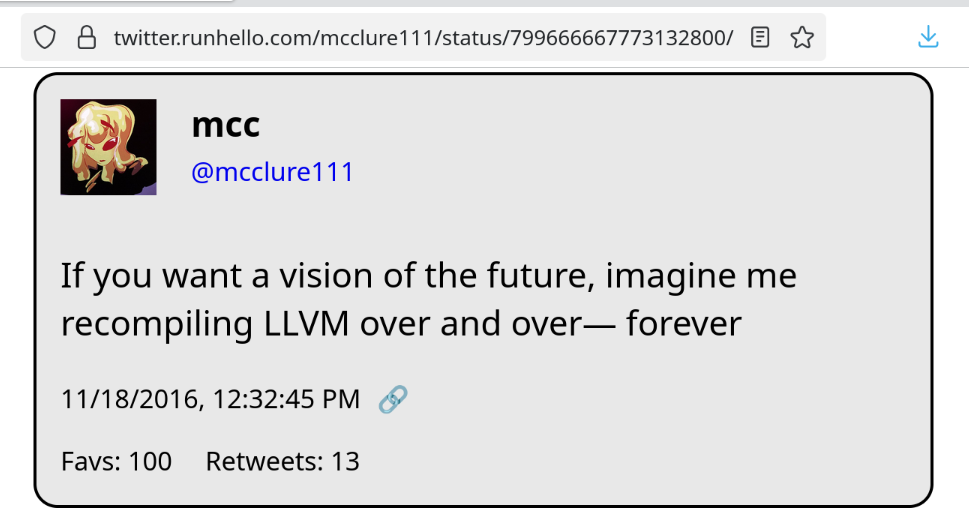
It never ends… it never ends!!
2 media files
It never ends… it never ends!!
In other news I've found a very interesting bug in the zig cmake scripts :(
Oh cripes it just installs under the executable name clang-22
@mcc do they at least make ‘clang’ a symlink so you could theoretically change it? Or is this some kind of “some clangs are more default than others” type situation?
Okay so it appears the debian equivalent of xcode-select is `update-alternatives`
This is…
This is not user friendly.
I do not know which key to set to change my clang. I don't know how to get it to list all keys. I can tell it to run with --all, and then it has me re-assign every executable on the computer, beginning with `animate`. This is scary and I bailed.
I have filed an issue / support request on zig at https://codeberg.org/ziglang/zig/issues/37729 . Hopefully they don't mind support requests in the issues
@mcc I think in this case the Debian equivalent of xcode-select is update-alternatives, if /usr/bin/clang is a symlink to the actual /usr/bin/clang-nn executable then update-alternatives is how you would update it to point to the version you want.
@mcc does Debian still use /etc/alternatives and update-alternatives ?
@mcc This is exactly the problem that is solved with containerized development environments. Unless you really don't like containerization. Then it doesn't help at all.
@mcc I think you set `CC=clang-22` and something similar for CXX in your environment variables.
@mcc
I am mad at CMake, too, but not over LLVM.
It isn't finding OpenGL/glx when I build gogglesmm, but it does when I build the fox gui toolkit for gogglesmm 😭
Yours sounds much harder
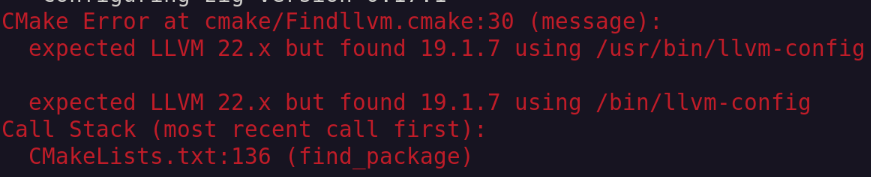













Hey question. Debian has a clang-18, a clang-19, and a clang-22 package in apt. If I run sudo apt-install clang-22, then open a new shell, then type clang --version, it's a clang 19. How can I get a shell with clang-22, and/or is there a way to tell cmake "I've got a clang-19 and a clang-22, use the clang-22"? How do I xcode-select in Linux