

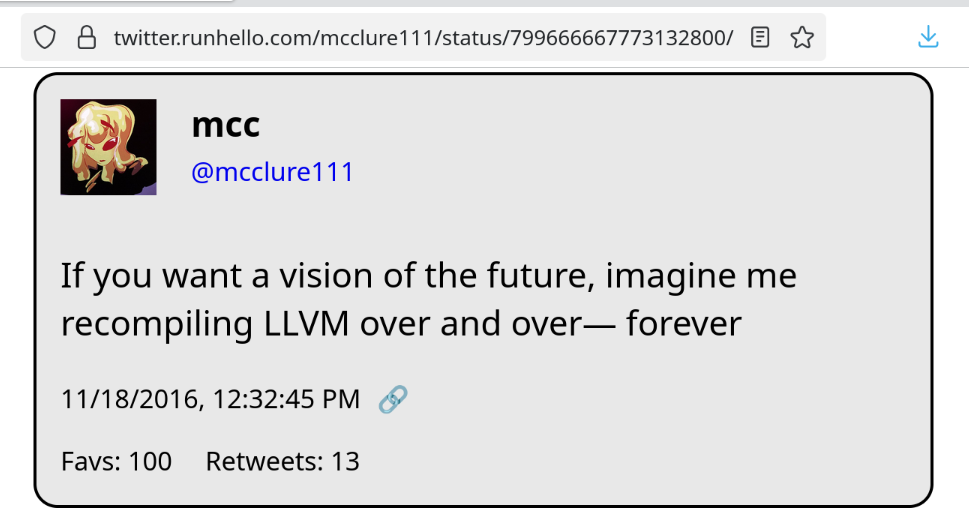
It never ends… it never ends!!
2 media files
It never ends… it never ends!!
In other news I've found a very interesting bug in the zig cmake scripts :(
Oh cripes it just installs under the executable name clang-22
@mcc do they at least make ‘clang’ a symlink so you could theoretically change it? Or is this some kind of “some clangs are more default than others” type situation?
@seanmiddleditch @redezem @mcc Linux salesperson: *slaps computer* clang 🫲🤔
Okay so it appears the debian equivalent of xcode-select is `update-alternatives`
This is…
This is not user friendly.
I do not know which key to set to change my clang. I don't know how to get it to list all keys. I can tell it to run with --all, and then it has me re-assign every executable on the computer, beginning with `animate`. This is scary and I bailed.
I have filed an issue / support request on zig at https://codeberg.org/ziglang/zig/issues/37729 . Hopefully they don't mind support requests in the issues
@mcc I think in this case the Debian equivalent of xcode-select is update-alternatives, if /usr/bin/clang is a symlink to the actual /usr/bin/clang-nn executable then update-alternatives is how you would update it to point to the version you want.
@mcc does Debian still use /etc/alternatives and update-alternatives ?
@mcc This is exactly the problem that is solved with containerized development environments. Unless you really don't like containerization. Then it doesn't help at all.
@mcc I think you set `CC=clang-22` and something similar for CXX in your environment variables.
@mcc
I am mad at CMake, too, but not over LLVM.
It isn't finding OpenGL/glx when I build gogglesmm, but it does when I build the fox gui toolkit for gogglesmm 😭
Yours sounds much harder
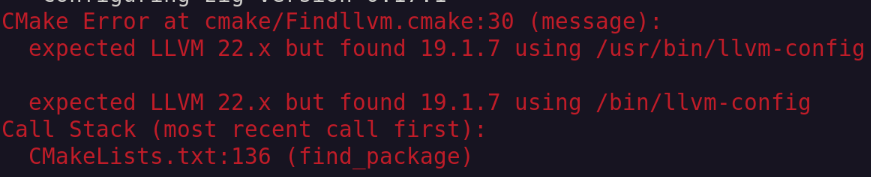













Hey question. Debian has a clang-18, a clang-19, and a clang-22 package in apt. If I run sudo apt-install clang-22, then open a new shell, then type clang --version, it's a clang 19. How can I get a shell with clang-22, and/or is there a way to tell cmake "I've got a clang-19 and a clang-22, use the clang-22"? How do I xcode-select in Linux