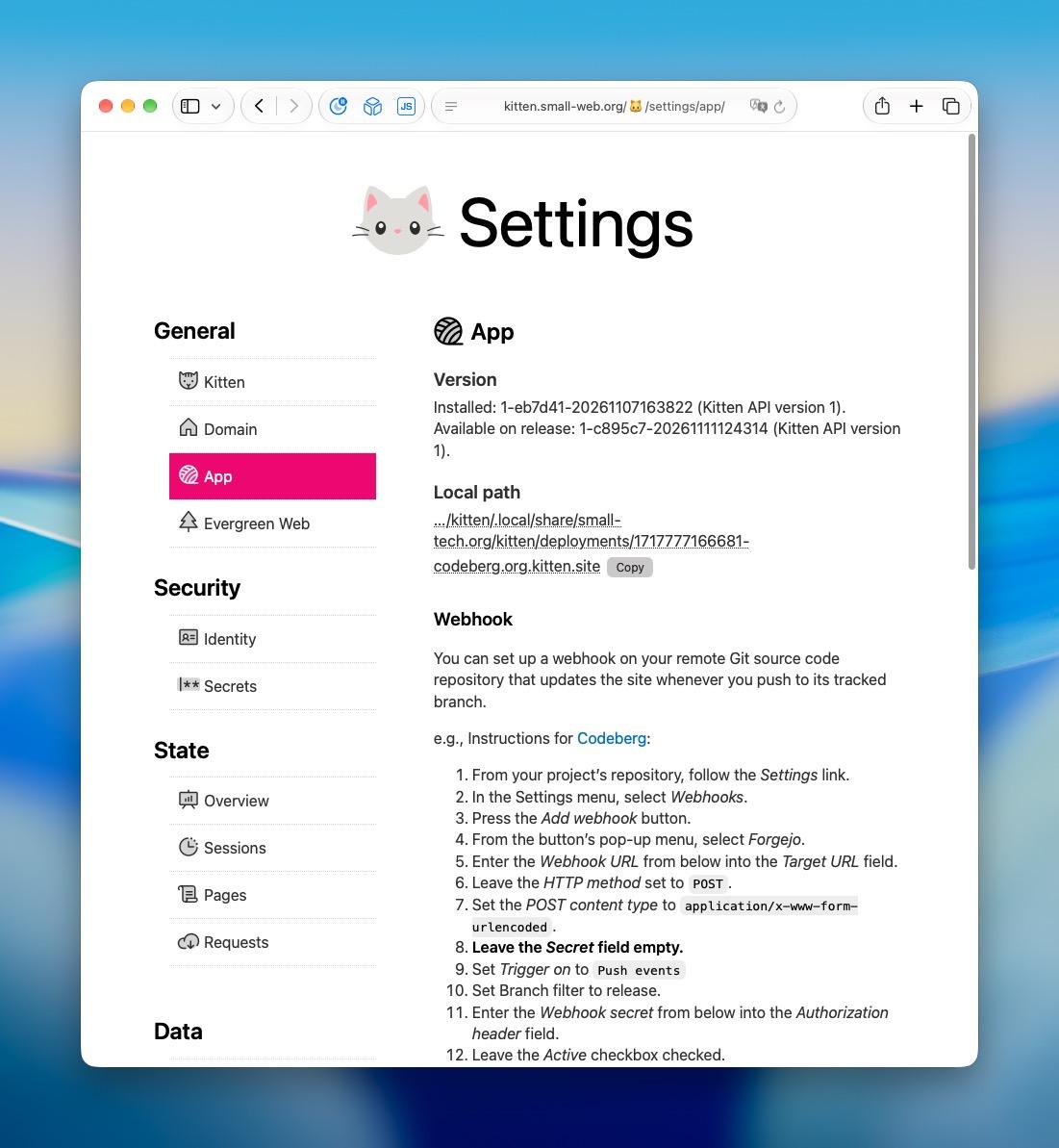

One of the exciting new features in the Kitten API version 1 release I made over the weekend is automatic updates.
When automatic updates are on, a deployed Kitten server will:
1. Check for updates to Kitten as well as the installed Kitten app at an interval that you can customise.
2. Correctly handle updates between major (breaking) Kitten versions. (In other words between Kitten API versions, e.g., from 1 to 2, 2 to 3, etc.) This includes ensuring that the installed app has a compatible version before upgrading and seamlessly handling app upgrades across breaking changes.
3. Rollbacks: if, for whatever reason, an upgrade fails, it is automatically rolled back (this includes your databases).
The only thing you need to add to your apps to take advantage of this is an `engines.kitten` entry to your package.json file set to the API version your app has been tested with (currently, should be “1”).
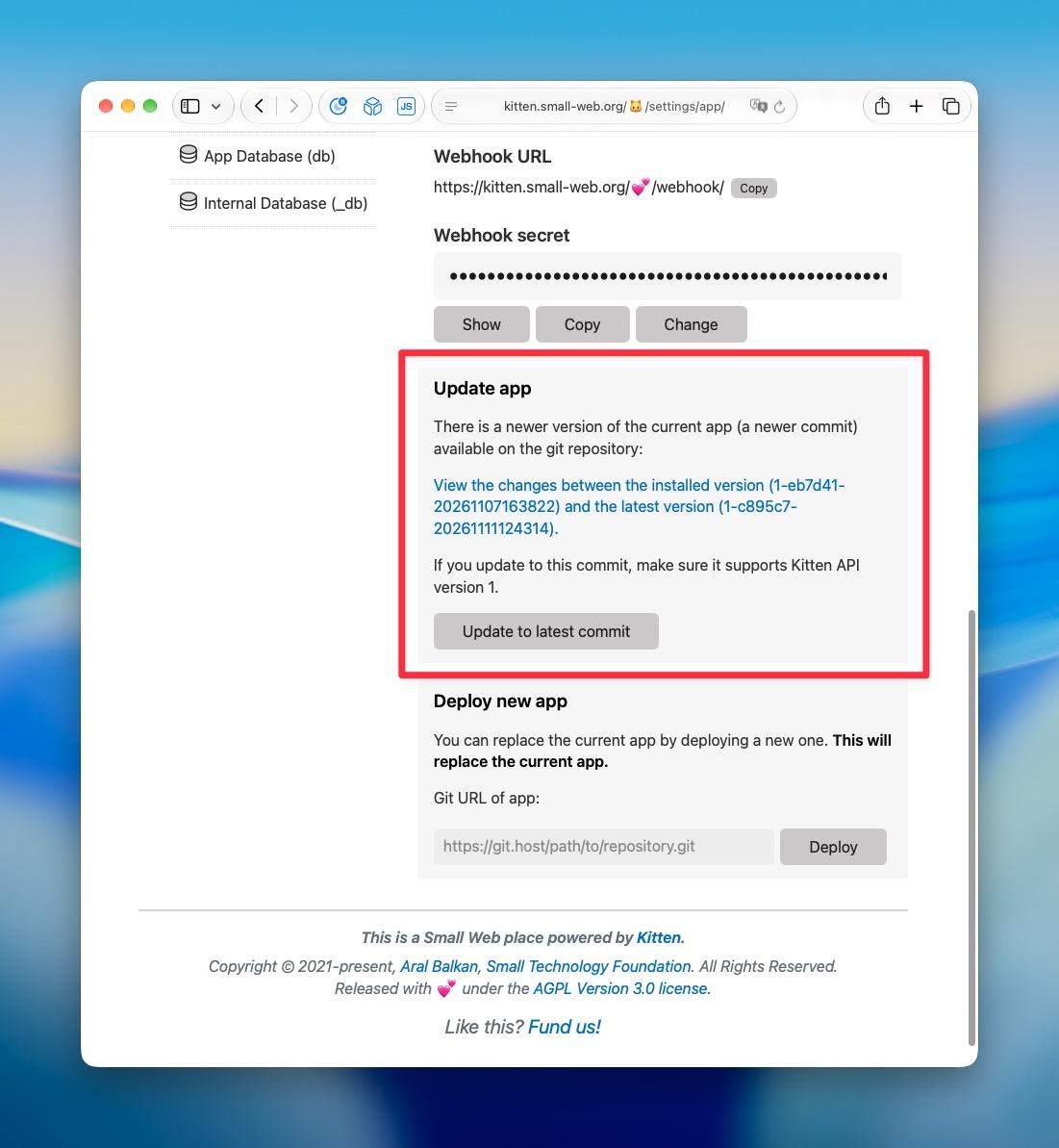
You can also, of course, manually update both Kitten and your app before the next check via Kitten Settings (see second screenshot) and you can also set up a webhook so that pushing to your main or release branch updates the app immediately on a single server.
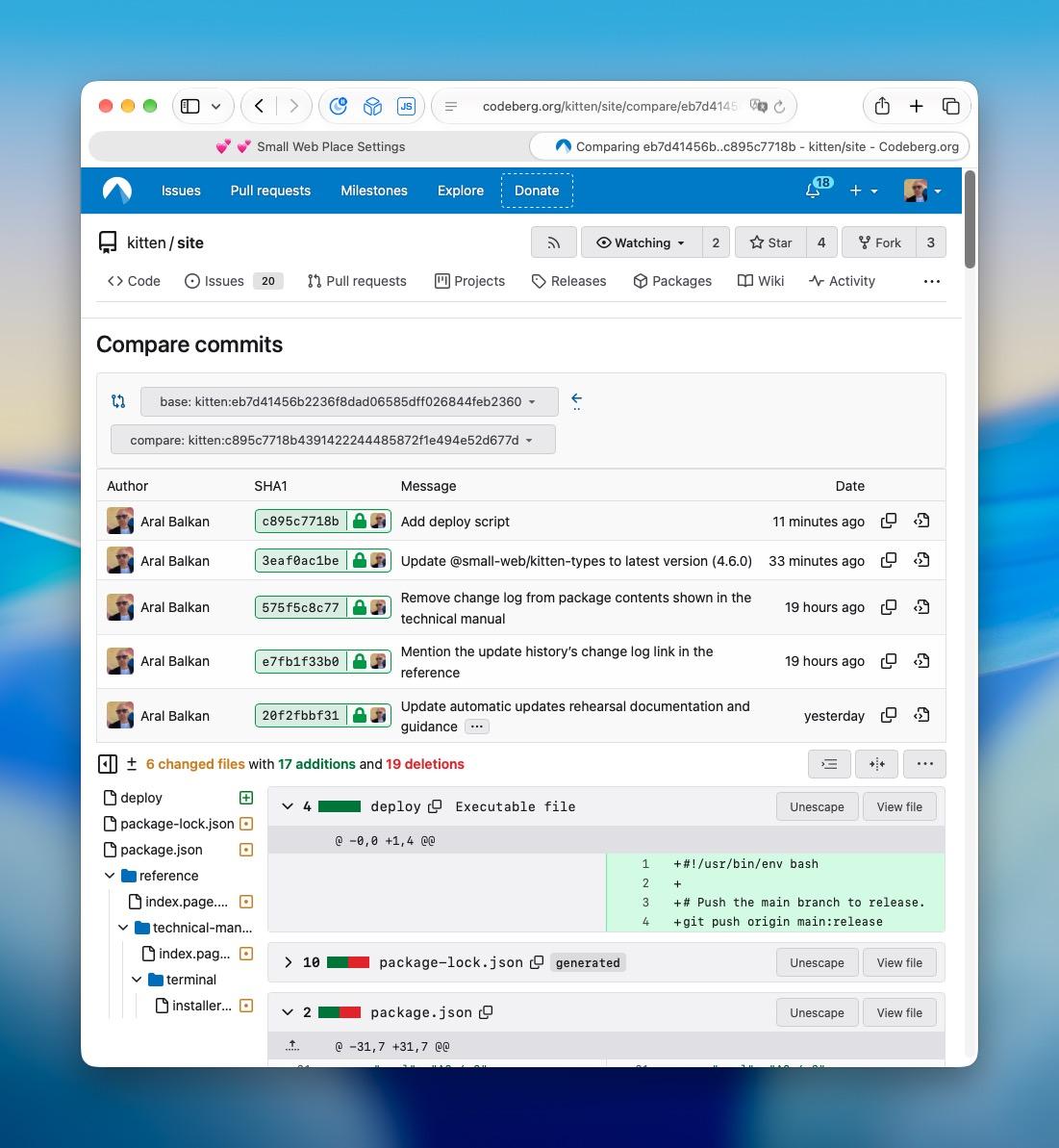
If you app has a release branch, that’s what Kitten checks for updates and you can deploy, e.g., from `main`, using `git push origin main:release`. Otherwise, Kitten will check your default branch, which is usually `main`.
For more details, see:
⁃ Updating Kitten: https://kitten.small-web.org/reference/#updating-kitten
⁃ Versioning: https://kitten.small-web.org/reference/#versioning
You can get and play with kitten at https://kitten.small-web.org
Enjoy!
:kitten: 💕
#Kitten #SmallWeb #SmallTech #web #dev #HTML #CSS #JavaScript #automaticUpdates #deployment