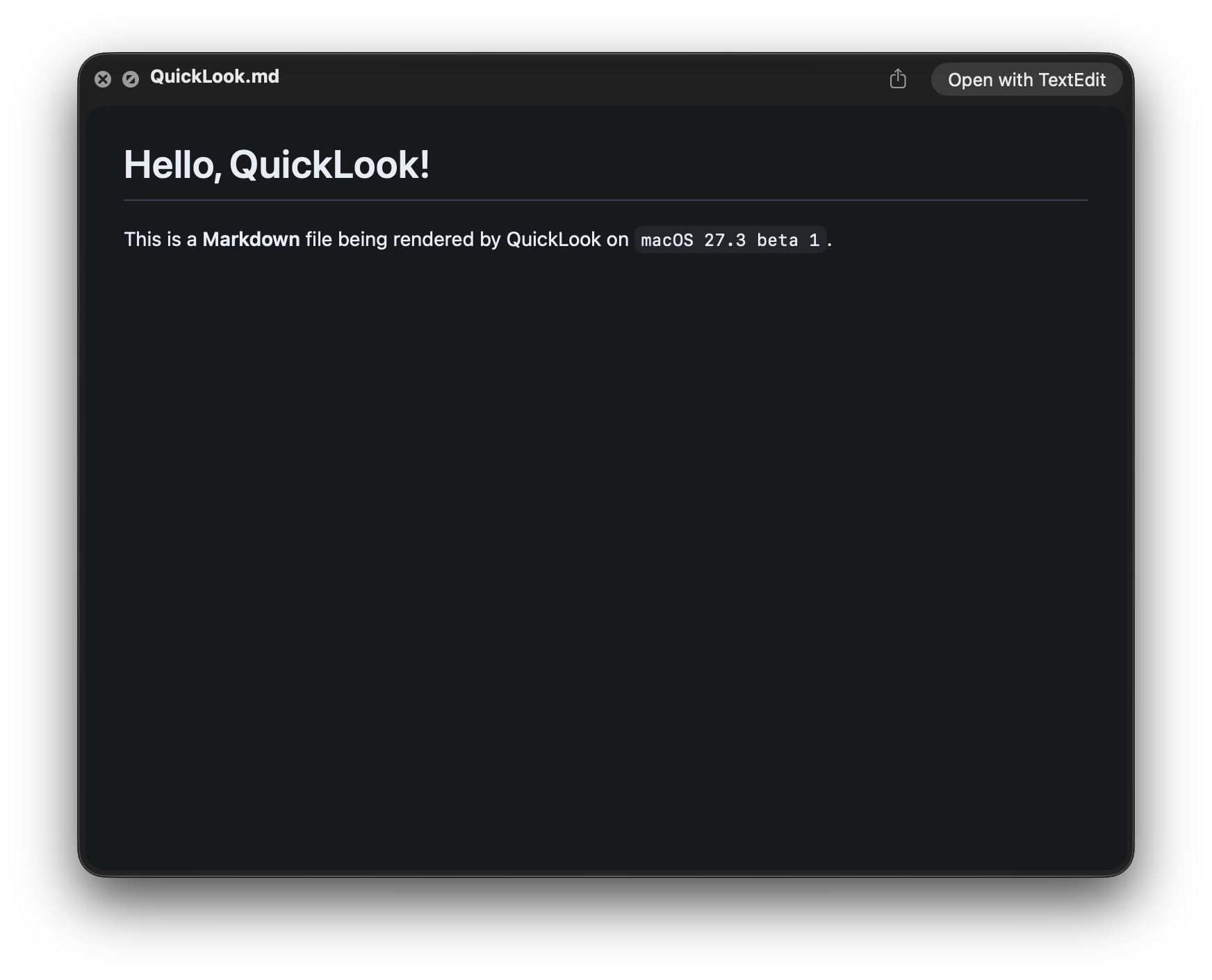
Gui Rambo @_inside@mastodon.social · activity timestamp 1 hr. ago macOS 27.3 renders Markdown files in QuickLook previews 👌🏻 Read more Read less Translate Translate alt A macOS screenshot showing the QuickLook UI with the text "Hello, QuickLook!" and "This is a Markdown file being rendered by QuickLook on macOS 27.3 beta 1." The text is formatted with a heading, Markdown in bold, and the macOS version using a monospaced font. A macOS screenshot showing the QuickLook UI with the text "Hello, QuickLook!" and "This is a Markdown file being rendered by QuickLook on macOS 27.3 beta 1." The text is formatted with a heading, Markdown in bold, and the macOS version using a monospaced font. Reply Boost Quote Like More actions Copy link Flag this post Block
alt A macOS screenshot showing the QuickLook UI with the text "Hello, QuickLook!" and "This is a Markdown file being rendered by QuickLook on macOS 27.3 beta 1." The text is formatted with a heading, Markdown in bold, and the macOS version using a monospaced font. A macOS screenshot showing the QuickLook UI with the text "Hello, QuickLook!" and "This is a Markdown file being rendered by QuickLook on macOS 27.3 beta 1." The text is formatted with a heading, Markdown in bold, and the macOS version using a monospaced font.
JJTech @jjtech@infosec.exchange · activity timestamp 17 min. ago @_inside How long until TextEdit defaults to Markdown instead of RTF, I wonder? Read more Read less Translate Translate Reply Boost Quote Like More actions Copy link Flag this comment Block



@_inside How long until TextEdit defaults to Markdown instead of RTF, I wonder?