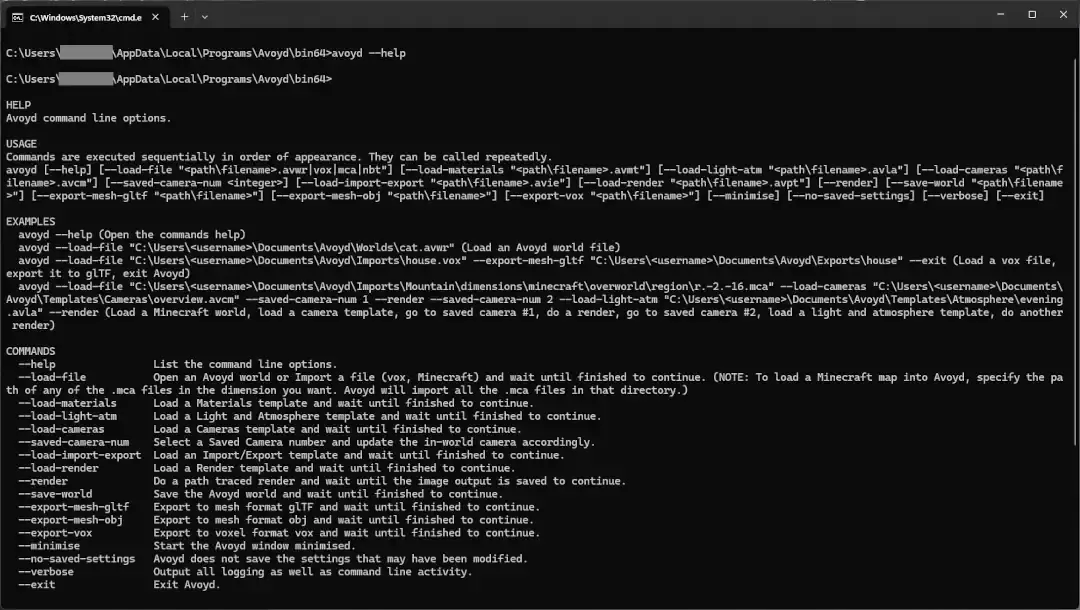
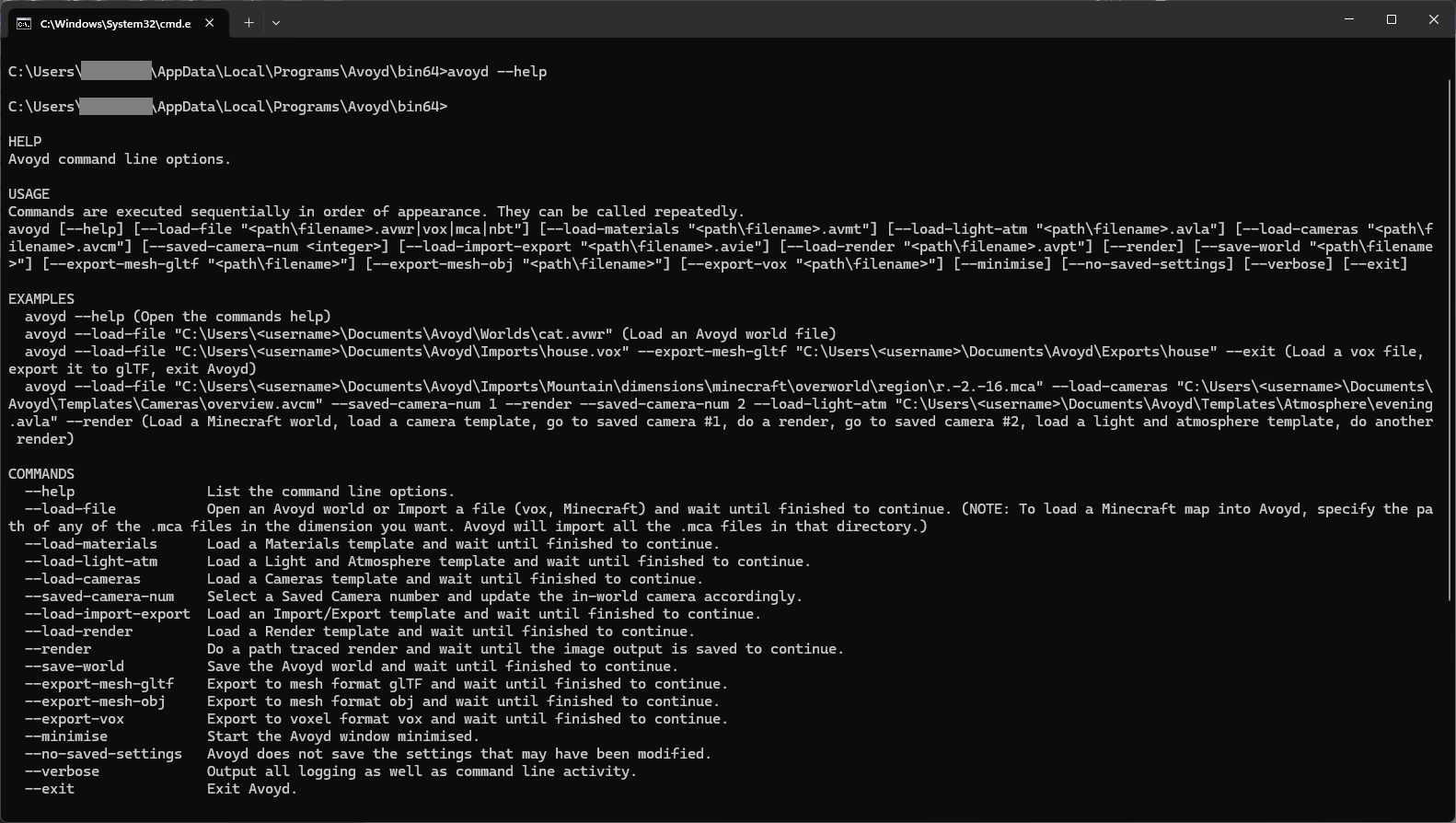
Command prompt window open with the 'avoyd --help' command and the output showing the help text with usage syntax, examples and commands definitions:
HELP
Avoyd command line options.
USAGE
Commands are executed sequentially in order of appearance. They can be called repeatedly.
`avoyd [--help] [--load-file ".avwr|vox|mca|nbt"] [--load-materials ".avmt"] [--load-light-atm ".avla"] [--load-cameras ".avcm"] [--saved-camera-num ] [--load-import-export ".avie"] [--load-render ".avpt"] [--render] [--save-world ""] [--export-mesh-gltf ""] [--export-mesh-obj ""] [--export-vox ""] [--minimise] [--no-saved-settings] [--verbose] [--exit]`
EXAMPLES
* `avoyd --help` (Open the commands help)
* `avoyd --load-file "C:\Users\\Documents\Avoyd\Worlds\cat.avwr"` (Load an Avoyd world file)
* `avoyd --load-file "C:\Users\\Documents\Avoyd\Imports\house.vox" --export-mesh-gltf "C:\Users\\Documents\Avoyd\Exports\house" --exit` (Load a vox file, export it to glTF, exit Avoyd)
* `avoyd --load-file "C:\Users\\Documents\Avoyd\Imports\Mountain\dimensions\minecraft\overworld\region\r.-2.-16.mca" --load-cameras "C:\Users\\Documents\Avoyd\Templates\Cameras\overview.avcm" --saved-camera-num 1 --render --saved-camera-num 2 --load-light-atm "C:\Users\\Documents\Avoyd\Templates\Atmosphere\evening.avla" --render` (Load a Minecraft world, load a camera template, go to saved camera #1, do a render, go to saved camera #2, load a light and atmosphere template, do another render)
COMMANDS
* `--help` List the command line options.
* `--load-file` Open an Avoyd world or Import a file (vox, Minecraft) and wait until finished to continue. (NOTE: To load a Minecraft map into Avoyd, specify the path of any of the .mca files in the dimension you want. Avoyd will import all the .mca files in that directory.)
* `--load-materials` Load a Materials template and wait until finished to continue.
* `--load-light-atm` Load a Light and Atmosphere template and wait until finished to continue.
* `--load-cameras` Load a Cameras template and wait until finished to continue.
* `--saved-camera-num` Select a Saved Camera number and update the in-world camera accordingly.
* `--load-import-export` Load an Import/Export template and wait until finished to continue.
* `--load-render` Load a Render template and wait until finished to continue.
* `--render` Do a path traced render and wait until the image output is saved to continue.
* `--save-world` Save the Avoyd world and wait until finished to continue.
* `--export-mesh-gltf` Export to mesh format glTF and wait until finished to continue.
* `--export-mesh-obj` Export to mesh format obj and wait until finished to continue.
* `--export-vox` Export to voxel format vox and wait until finished to continue.
* `--minimise` Start the Avoyd window minimised.
* `--no-saved-settings` Avoyd does not save the settings that may have been modified.
* `--verbose` Output all logging as well as command line activity.
* `--exit` Exit Avoyd.