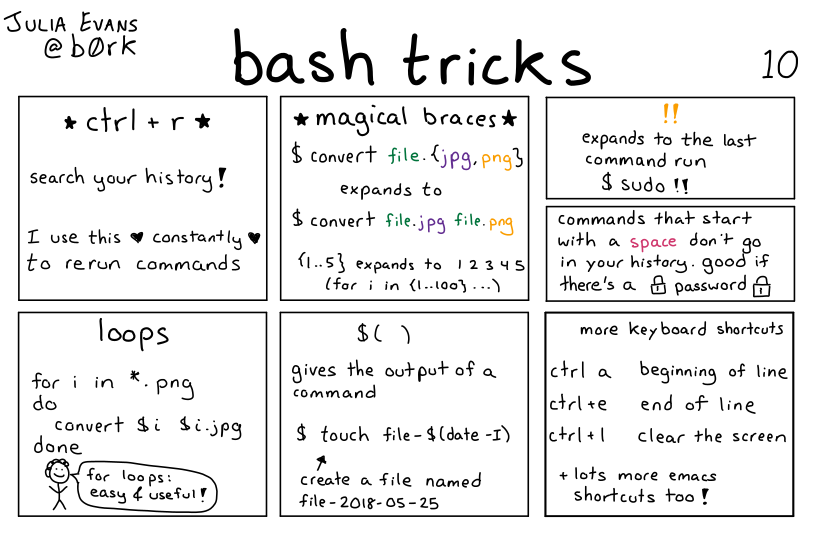
### panel 1: ctrl + r
search your history!
I use this **constantly** to rerun commands
### panel 2: magical braces
```$ convert file.{jpg,png}```
expands to
```$ convert file.jpg file.png```
`{1..5}` expands to 1 2 3 4 5
(for i in {1..100}...)
### panel 3: !!
expands to the last command run
`$ sudo !!`
### panel 4:
commands that start with a space don't go in your history. good if there's a password
### panel 5: loops
```
for i in *.png
do
convert $i $i.jpg
done
```
person: for loops: easy & useful!
### panel 6: $ ( )
gives the output of a command
``` $touch file- $ (date -1)```
create a file named file-2018-05-25
### panel 7: more keyboard shortcuts
ctrl + a beginning of line
ctrl + e end of line
ctrl + l clear the screen
& lots more emacs shortcuts too!