

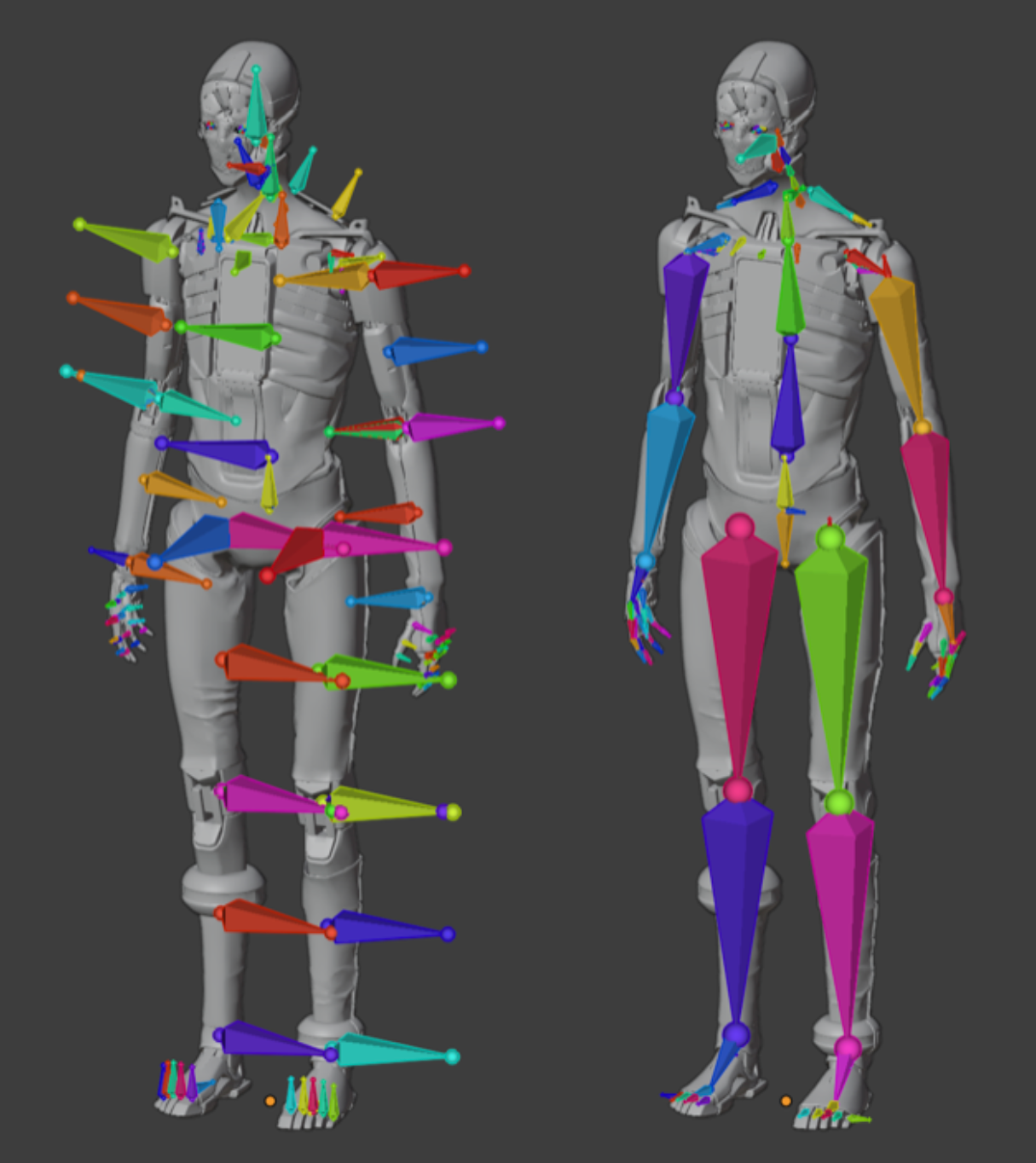
So, FBX! You know how often after importing an FBX file into  #blender, the bones point to nonsense directions? Did a bunch of stuff to try to fix this, and have a PR where custom builds can be downloaded for testing. Would be nice if some of you tested it :)
6 Boosts
1 Like
@aras you are a hero!
Spoken as someone who had written some personal Blender scripts to fixup bones after importing client animations. Thankfully never had to roundtrip and send back out (only ingested)!



@aras "Your character after the Blender import”


@aras The cure for bone-itis! Science is amazing

@aras hypehypehypehyyyype


@aras "We have such sights to show you . . ."
--Cenoblender


@aras softimage mentioned.
@johnmakesgames only because I looked at a bug report from 12 years ago :/




@aras oh! this got me recently and I thought the model was the problem


@aras wow a visceral response to this going back to my first career job: exporting skeletons and reimporting fk animation data from passive optical mocap solvers. Resolving across export and import all the basis coordinate frames and ordering issues across Maya, Max, LightWave, and XSI was a trial by fire of my meager math skills. Especially systems with no “bones” just “joints” since our system was rigid body/bones based.

@aras I always thought I imported incorrectly, good to know everyone else had this issue.