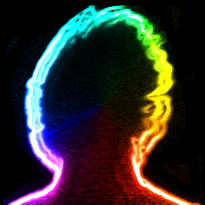

Selection wheel coming along. Took me a fair amount of time to get the mouse input feeling good (gamepad stick was easy), and to get the icons masked without looking crunchy at various resolutions, and getting them to arrange consistently at various scales with a variable number of icons (UI coding sucks), but we're getting there. Icons & colours still need some work
1 Boost
0 Likes
Because I’m me and I can’t help it this wheel isn’t predefined at 6 icons, you can ask for any number and it automatically lays them out and changes the selection wedge size etc.
Future Steve will thank me when I use this again for emotes or other things where there are more or fewer options
I’ve been experimenting with making UI and aiming elements reflect the main player colour, so if you’re the red wizard your aim lines and spell wheel will be red tinged, the blue wizard will have blue elements etc. Only you see them but I think it’s a nice touch. The hot pink wizard needs to have their colours toned down a little for UI though
I kind of want it to feel like when you were in the arcade playing Gauntlet and had a particular colour. Even though you’re on your own dedicated machine
OK the spell wheel now changes to reflect player colours, and I've made the icons cleaner. Now some lunch, and then maybe some sounds and animation flourishes and I'll be done
3 media files
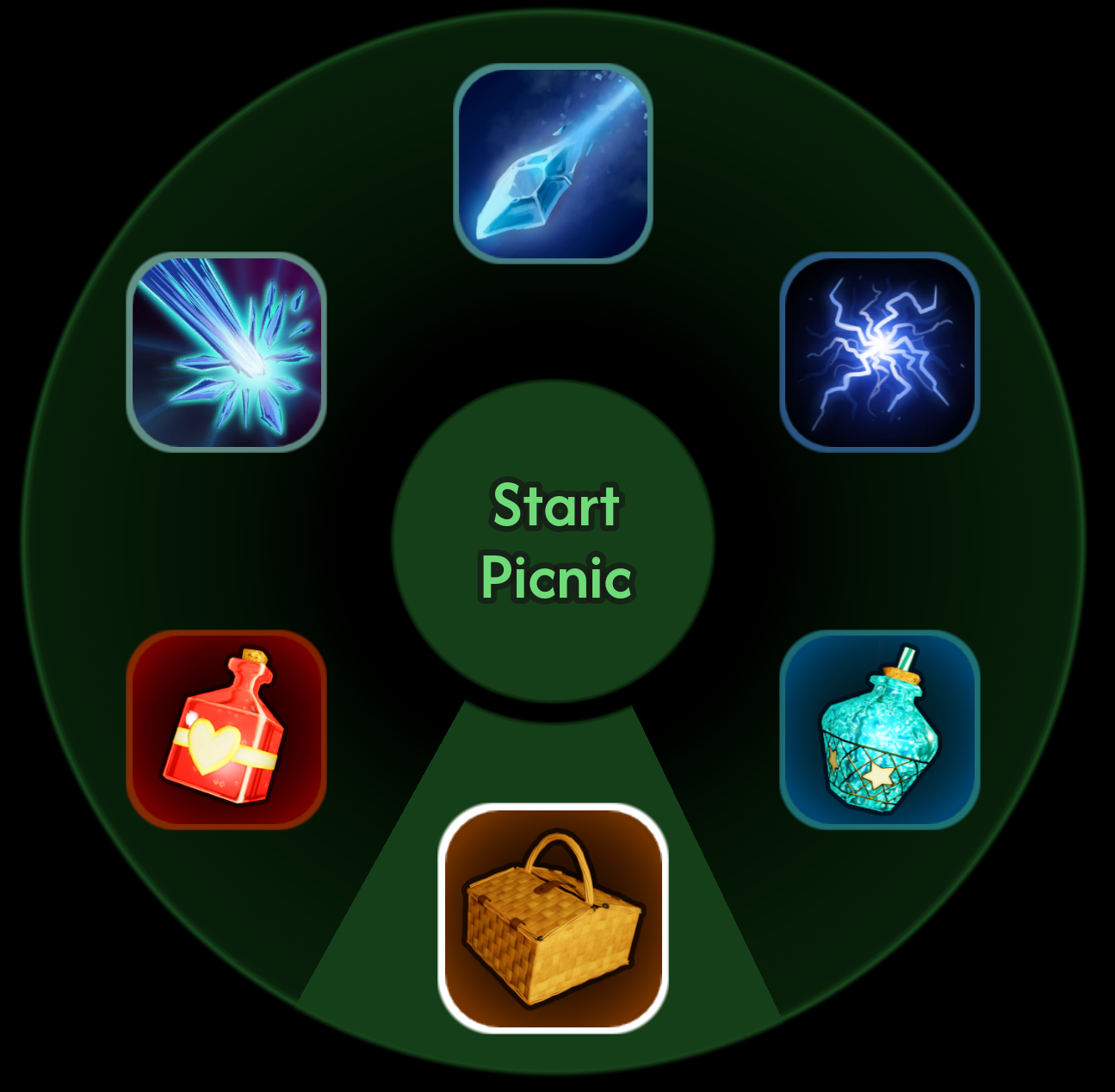
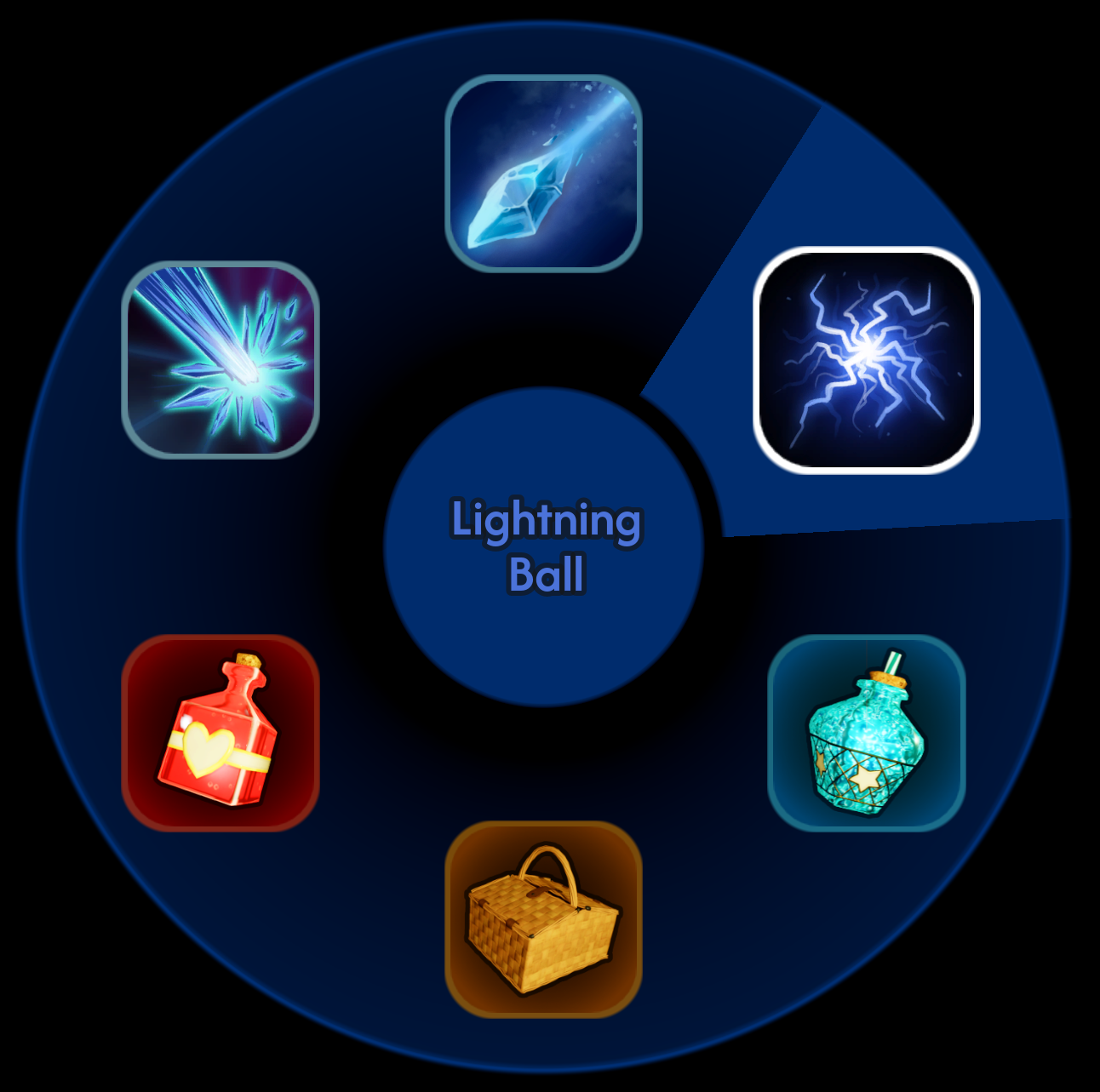
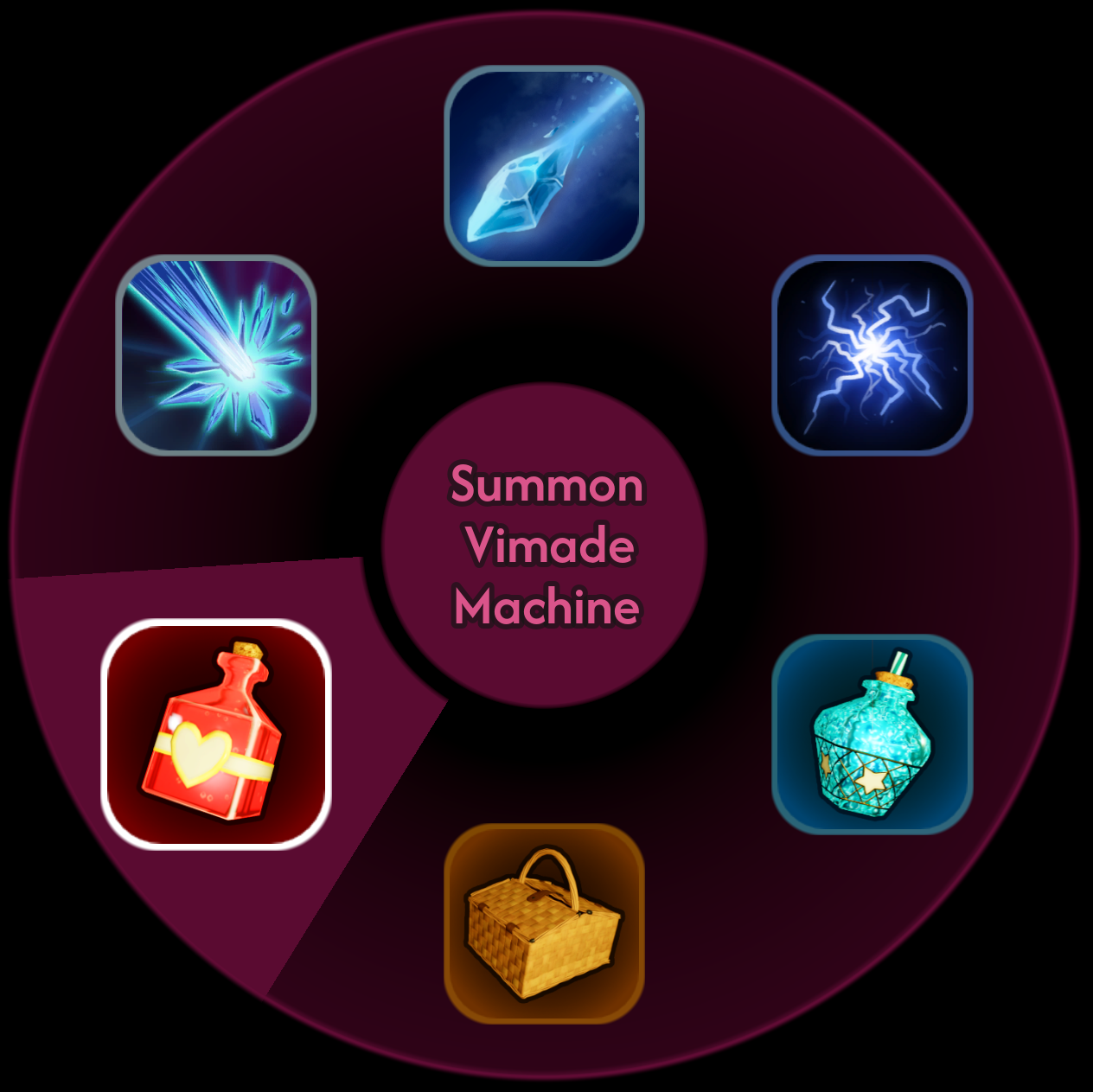
I like how once again the pink player's colours have kind of come out the best. This is entirely on brand, since the start of this project Hot Pink Wizard has been the canonical default wizard colour
Pfft to your Red Wizards of Thay, make way for the Hot Pink Wizards of Fabuloso
There we go, a little bit of animation and a few wooshes / clicks goes a long way. Marking this as done for now.
OK I lied, I realised when watching that back that the wheel should animate from the where the selected spell icon is, not its own centre

@sinbad 😎 nice!