

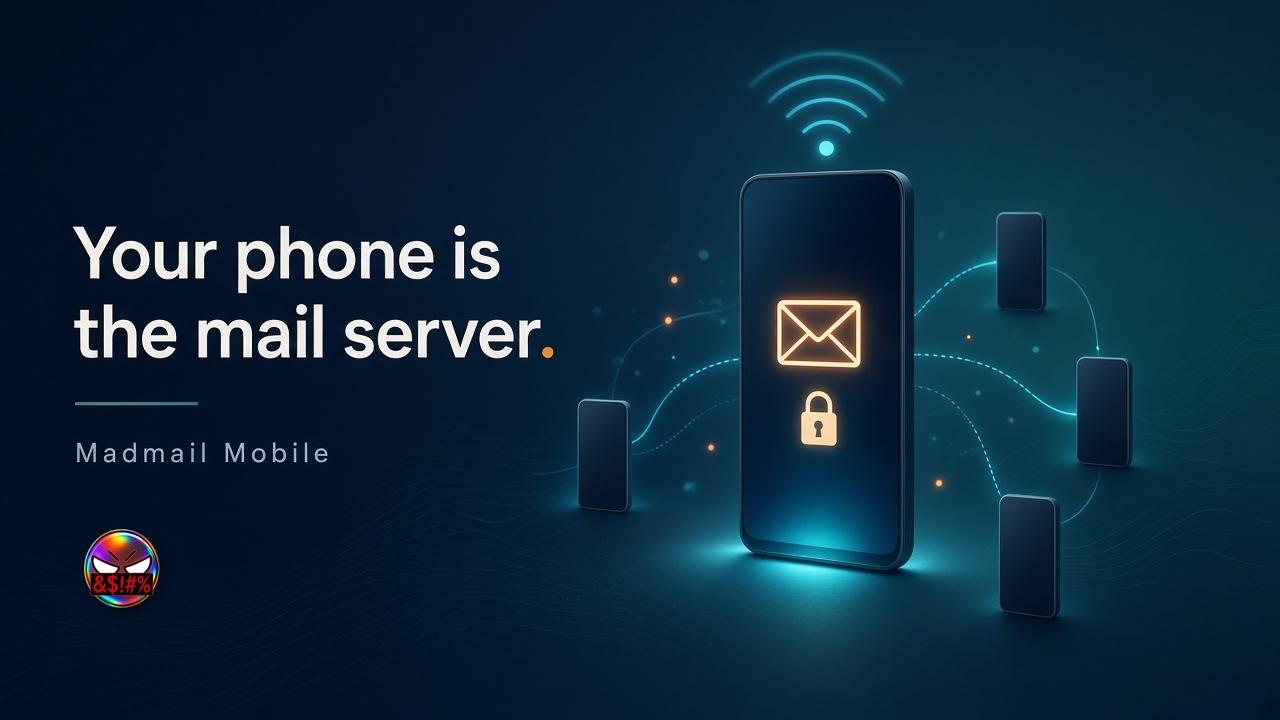
Your phone is the mail server.
Madmail Mobile runs a Madmail chatmail server on an Android phone.
Turn on a hotspot, show a QR code, and the people around you chat in Delta Chat with end-to-end encryption.
No domain, no VPS. Addresses use the phone's IP, so there's nothing to register. It is a 0.2.1 pre-release, 39 MB, for ARM64 phones with Android 8 or later.
One app, three places to run it.
The first screen asks where the server lives: the phone in your hand, a VPS you rent, or a Madmail you already run.
Every server you add gets the same overview, invites and settings.
Madmail Mobile isn't a chat app.
Guests chat in Delta Chat; this app runs the server they connect to.
This phone hosts the server on the phone itself for guests on its Wi-Fi or hotspot. Remote server installs Madmail on your Linux VPS over SSH and keeps it running, with a backup before each upgrade. Existing instance connects to a Madmail server you already run, using its admin key.
How a guest joins: tap Start hosting on the overview.
The status dot turns green only after the server answers its health check.
Invite makes a personal account QR, or invitation links with use limits and an expiry. While the QR is on screen it changes every five seconds, so one code means one guest. The guest scans the code in Delta Chat and has an account on your phone.
Messages between guests are end-to-end encrypted.
Built natively in Kotlin and Jetpack Compose, it follows your phone's light or dark theme. Under the hood it ships the Madmail engine v2.30.5, checked before start with a pinned SHA-256; if the app dies, the engine stops too. Mail addresses are name@[phone IP], with SMTP over TLS on 11465, IMAP over TLS on 11993 and HTTPS on 18443.
These are high ports, so the phone needs no root.
Saved keys and tokens sit in the Android Keystore, app lock uses fingerprint or PIN, and there is a cold backup before an upgrade. App lock guards the controls; hosting keeps running behind it.
Madmail Mobile is a pre-release.
Here's what it can't do yet: Android only on ARM64 phones, no iPhone version and it isn't in Google Play; guests on mobile data may not reach you because many carriers put phones behind shared addresses; hosting keeps the address it started with, so after switching networks stop and start hosting; calls and attachments between guests haven't been fully tested on real networks; root ports, guided backup restore and some web admin settings aren't in the app yet; and translations haven't been reviewed by native speakers.
Try it on a spare phone: an Android phone and its hotspot are enough to see it work, and your main phone joins as a guest.
https://madmail.chat/phone
https://github.com/themadorg/madmail-phone




@abbas_dp why IP? Why not use an #iroh ID or another overlay network like #yggdrazil?