

Closing out the 8 or so miscellaneous Gnome "Text Editor" windows that have accumulated. Every single one, when I close it, immediately opens a new window of the same size and position asking if I want to create a new document. What an annoyingly hostile behavior. Why wouldn't closing the window indicate I want to close the window? Did it used to do this? I don't remember it doing this. Can I turn it off? I don't see it in the settings.
0 Boosts
0 Likes

Weird. In my Ubuntu, Gnome Text Editor simply closes when I try to close it. Or asks if I want to save changes. It never opens a new window.
Maybe is distro specific, or maybe a bug in your version? Mine is version 50.1, snap package.
@jcurioso Perhaps it is a bug, and only occurred because those were "restored" windows following an abnormal termination.
The "feature" means that in order to close 8 windows I must close 16 windows
EDIT: Based on replies, I think this is a bug and I think that I know what the steps to replicate it are. But also my GNOME is updating so maybe it will disappear in 10 minutes

@mcc I do not think that it will be received as a bug. Like most Linux (and especially GNOME apps) it is self-conscious and embarrassed about the fact that it is a "window", and instead it desires to be an "App". The thing is that on Linux there is no such thing as an "App", only "windows". So its Window is an App which is a container for a number of Tabs, including potentially zero Tabs. When you close the final tab, you see the zero-tabs view.
@mcc I believe in these screencasts you have hit the "close Tab" hot-key, i.e. control-W, a key combination reminiscent of "close (W)indow" on macOS. Instead, you want the "close Window" hot key, which is probably "alt-F4", which will close the App.
@mcc I am sorry to be describing this in such a tedious manner. It is a subject which I find exceedingly tedious, and I am a little bit mad that I know so much about it. It works this way because the UI designers of GNOME think that the "hidden sheets" metaphor that macOS uses for Apps is "too confusing". And so they have instead come up with the "hidden zeroth tab underneath blank document with single-instance multi-window RPC service" metaphor instead, which is, I guess "not confusing"
@mcc Also, to be clear, the multi-document window containing N tabs where N ranges from 0 to infinity is not the "App". It merely *represents* the App, unless there is a second window, in which case the App has no discrete representation, unless your window manager chooses to provide one (which it may or may not; there is no particular guidance as to what this might look like, and it varies)
@mcc Also, C-w is a hotkey processed by the app which activates a menu item which sloses the tab. Alt-F4 is a window manager, sorry, I mean, desktop shell, sorry, I mean compositor, keyboard shortcut, which sends a similar abstract message to clicking the "X" button in the window's title bar and is not registered by the application as a keypress. This is not specifically relevant in Text Editor but may be useful information elsewhere when investigating odd behavior.
So just to be clear, this is *NOT* what y'all see with the standard GNOME "Text Editor"? I am using Debian Trixie, it is up to date and I don't know how to tell what actual underlying program "Text Editor" is because GNOME is so good at hiding that
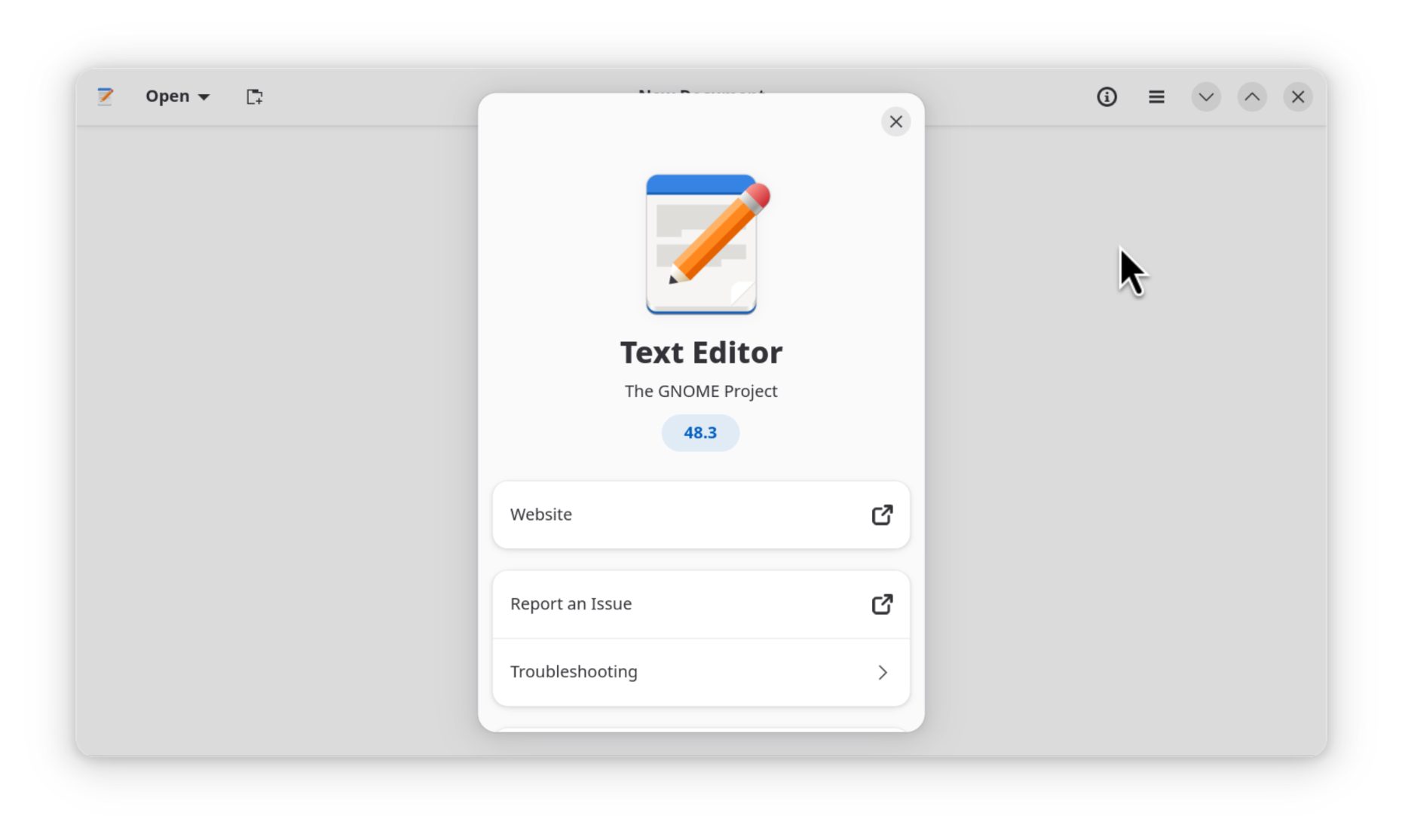
EDIT: There was a "website" button in the About Box that took me directly to the gitlab. I should have checked that first https://gitlab.gnome.org/GNOME/gnome-text-editor


@mcc I've been away from Gnome for a while now, so I'm just now learning that GEdit is apparently not the standard text editor anymore??
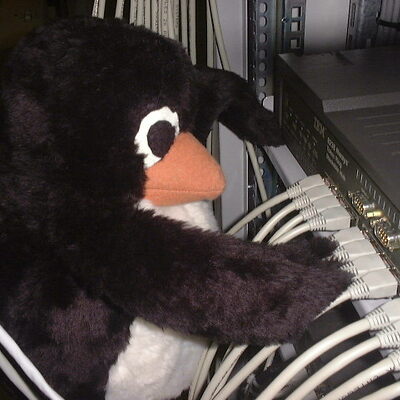

@mcc
according to what's on the git the name should be "gnome-text-editor".
you can generally find out with the help of "grep 'foo' /usr/share/applications/*' and read the "exec=bar" in the corresponding .desktop file.


The current status is that I am unable to convince anyone other than myself that "Text Editor" is an actual program that exists. Either this is something specific to Debian, or y'all are all using Ubuntu and therefore the thing on YOUR computer is specific to Ubuntu, or else I am literally the very last person left who hasn't yet switched to KDE
It gets weirder. We are at this second facing a possibility that like gravity in Tiny Toons, this behavior only occurs if someone has described it to you https://lile.cl/@adriano/117509924414135547


@mcc I don't know how many layers of jokes are flying over my head here, but "GNOME Text Editor" (the binary file name is literally gnome-text-editor) is a real software project: https://apps.gnome.org/TextEditor/
The "old" GNOME default text editor is a project named "gedit" which is also real but is seemingly not in active development anymore: https://gedit-text-editor.org
GNOME replaced its default text editor a year or so ago, for reasons I think I read about at the time but don't recall.


@mcc I definitely have the same Text Editor (on Debian).
When I look at the properties of the 'Text Editor' menu item, looks like it's calling 'gnome-text-editor %U'
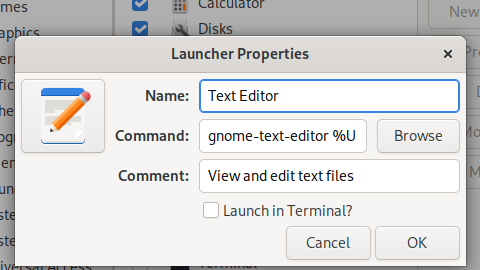

@mcc can confirm that the default text editor on ubuntu is also 'text editor.' i think the version i'm using looks different from yours but only slightly, and i'm guessing that's just version differences

@mcc I would never dare doubt you
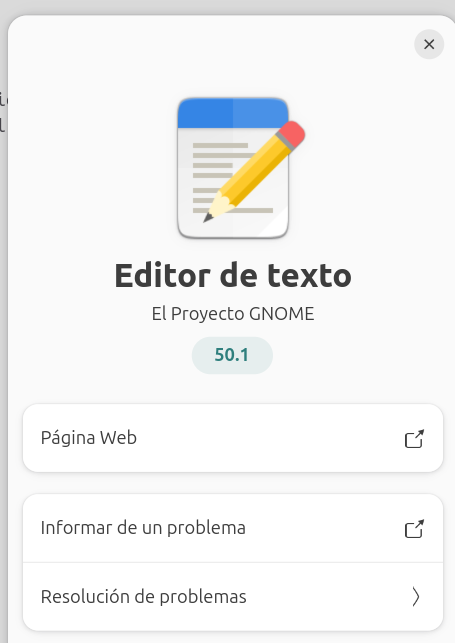

@mcc i still think of it as "gedit" which i used for notepad-like purposes for many years, and then they renamed it and i'm not quite sure now if the thing called "Text Editor" is still the same thing? i require so few features of it that it hasn't bothered me, but it's still a bit unsettling.
@jplebreton gedit is a definitely different program. i know this because i have a different entry for it in the "start menu"

@mcc Yeah, just tested it and it behaves pretty much like a normal person would expect
I can't get it to open to the big "open a document" empty state, I've tried everything I can think of. I'm on Text Editor 50.1 btw



@mcc @bwana conputer wants you to write something. anything. please? 🥺