

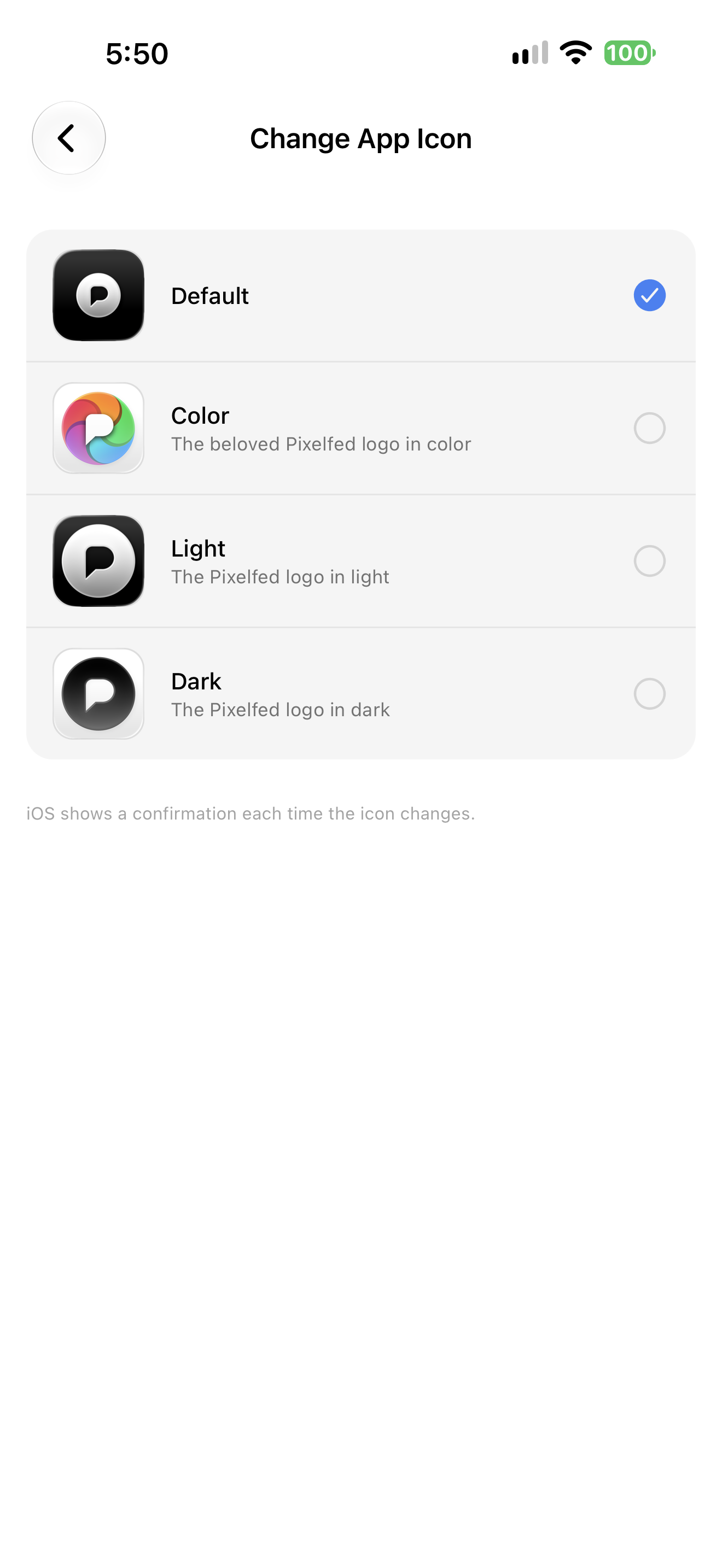
You can change the app icon in our new app!
Go to your Profile, tap the 3 bars Settings button -> Content Preferences -> App Icon.
More icons are coming 👀
Discussion
You can change the app icon in our new app!
Go to your Profile, tap the 3 bars Settings button -> Content Preferences -> App Icon.
More icons are coming 👀
@wwwwaaah We wanted to limit the main Settings screen to groups of 3 max, which is why so many settings are layered under Manage Account and Content Preferences.
Managing font size is on our roadmap!
@pixelfed When I change the icon, the change takes effect only after the app closes. The icon is then re-added to the very back of the app drawer (to replace the previous icon).
It’s cool that you can change the icon in the Pixelfed app, but the implementation isn’t ideal. For example, in the Vivaldi browser, I can change the icon without having to restart the app and without the icon having to be re-added to the app drawer.
Samsung GALAXY S10+
Android 12 (One UI 4.1)
@HalleAndert Yeah, we did it the easier way on Android because of some constraints we identified, but will try to change it better (this was our first kotlin module btw)
@pixelfed No problem. It's no big deal. Overall, I'm very happy with the app. Thank you so much for the great work!

Install Fedizen
Get the full app experience


@pixelfed Thanks! love to see more customization implemented! I didnt intuitively expect it in "Content Preferences" though.
Maybe a "Appearance" Category with more even more Options would be great:
Besides Theme and Icon that could include a toggle for hiding the text of the navigation items. (Like the mastodon App in iOS) as well as a setting for general font size.
On a small phone (iPhone 12 mini) the Text for navigation gets quite cramped.