

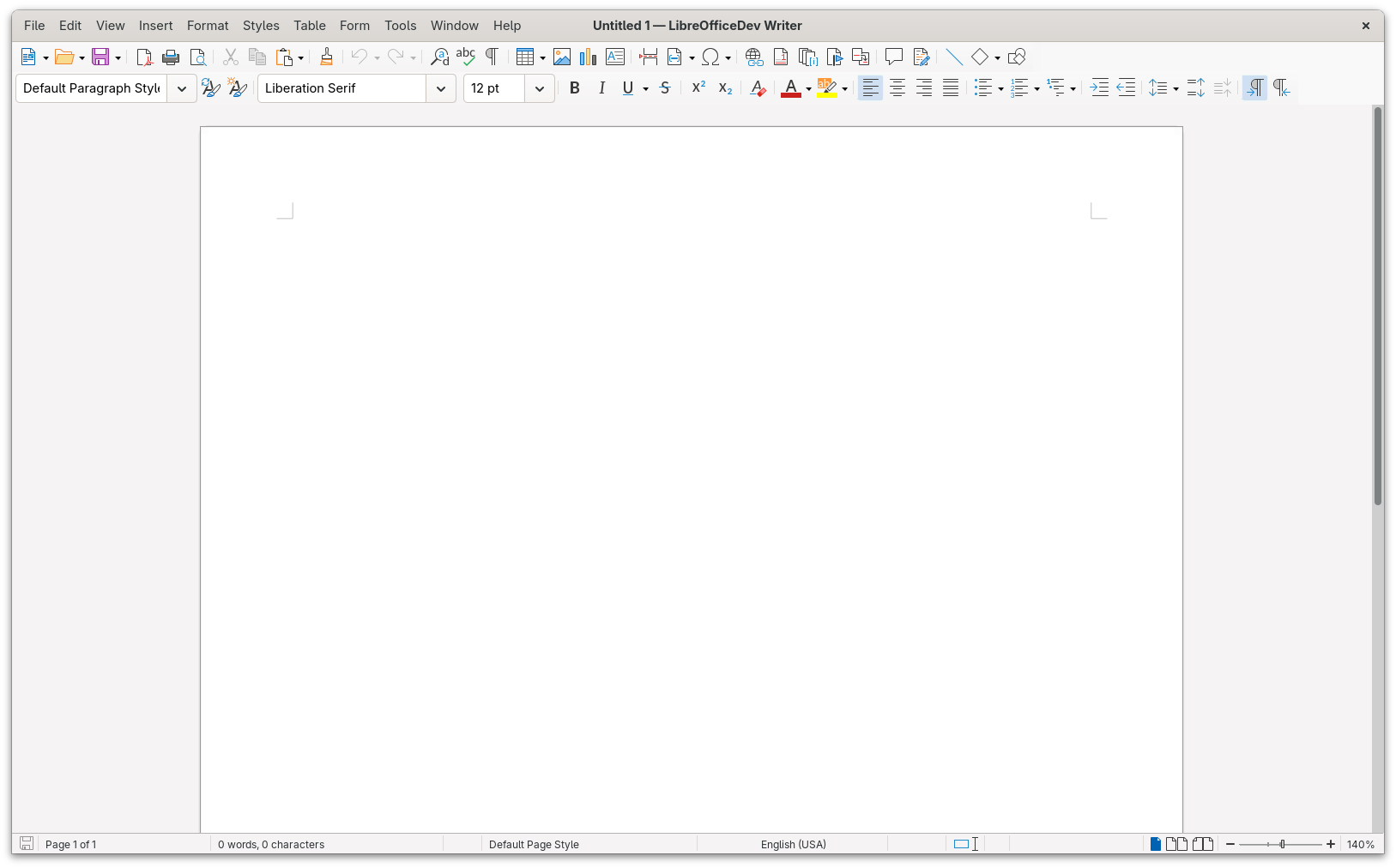
Patched #LibreOffice’s #GTK4 backend to merge the menu bar into the headerbar with client-side decorations. Goes a long way toward making it feel modern.
0 Boosts
0 Likes
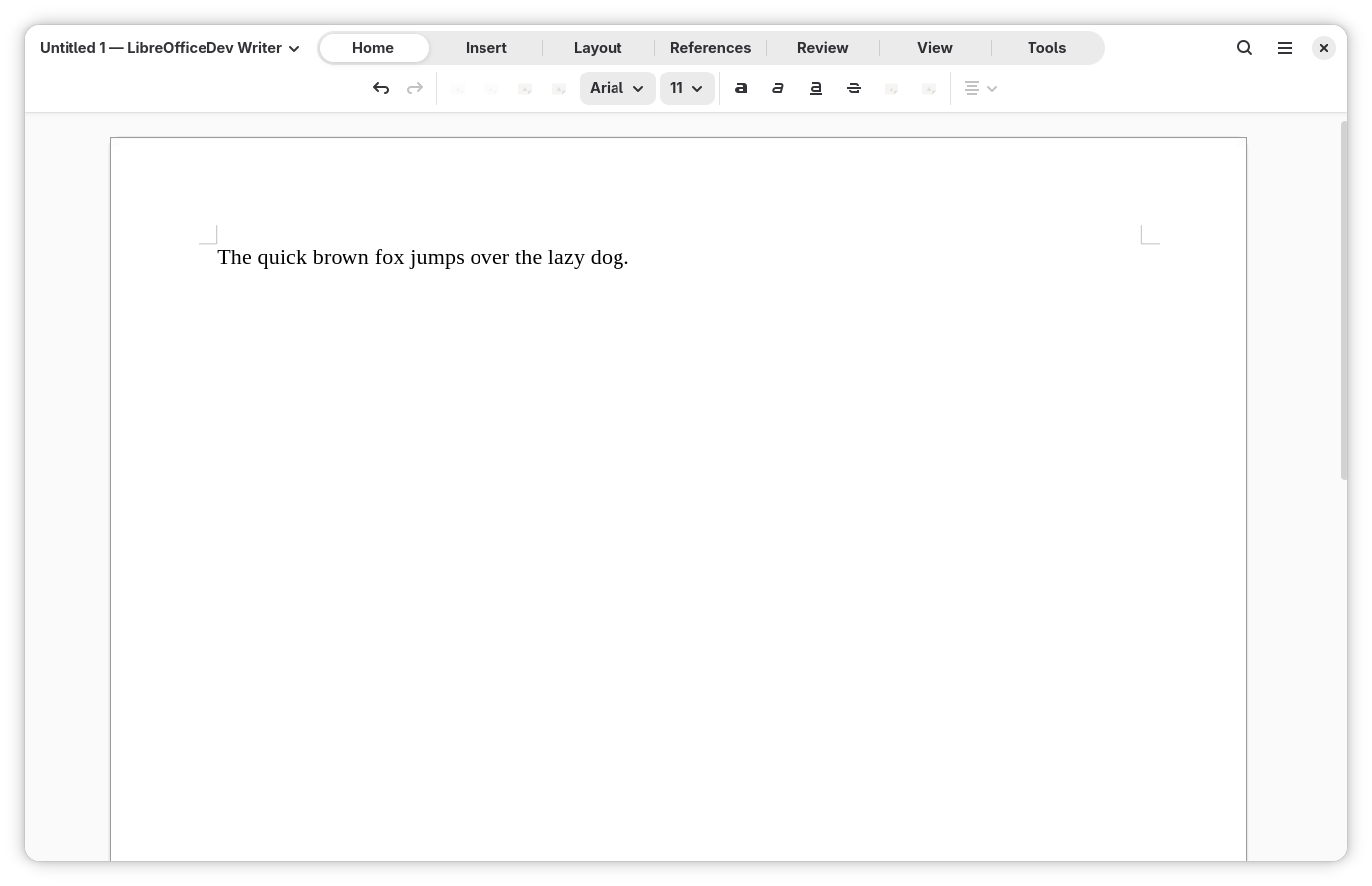
And now a very work-in-progress ribbon, but it works.
A new status bar, too.
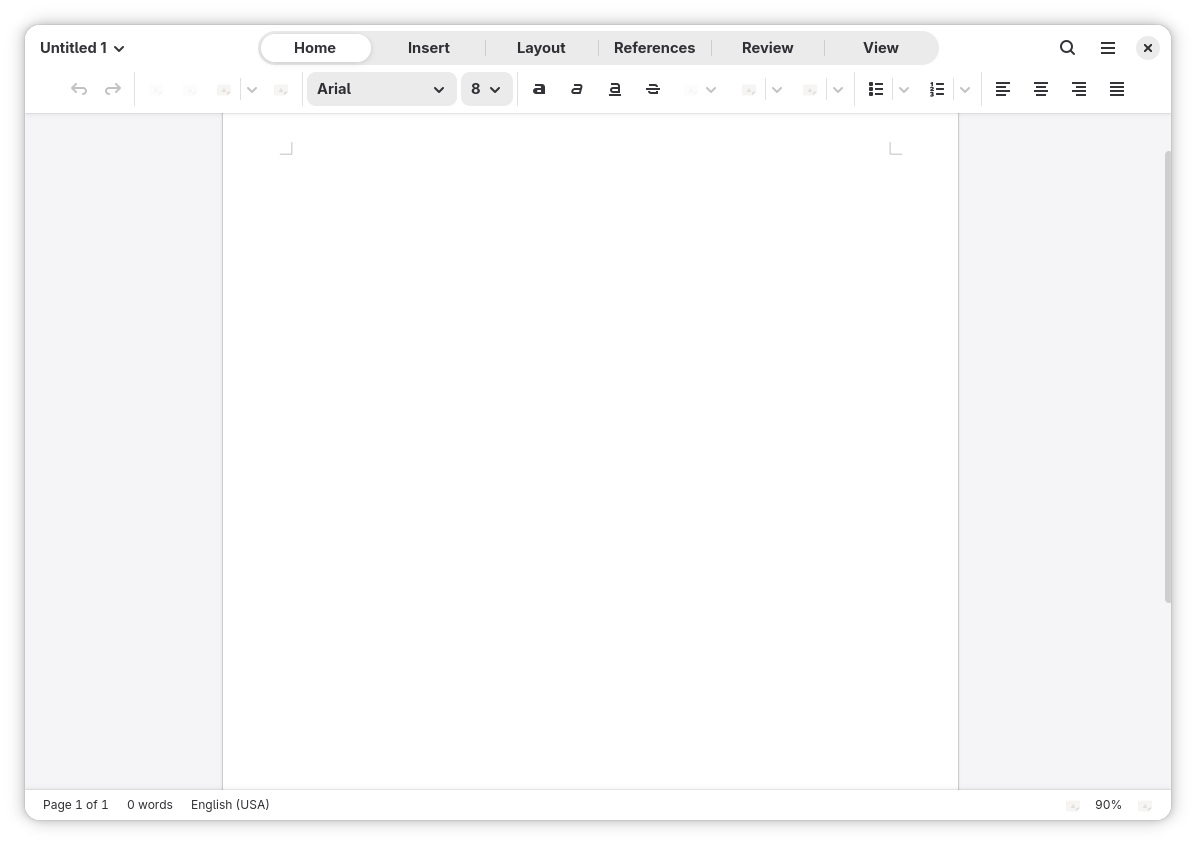

@haydntrowell works this looks amazingly better. How possible is the upstreamization of this?

@haydntrowell while you're at it, could you make it so that you can move all the tools to the sides, rather than being bars on the top and bottom?
There is so much wasted space on wide and ultrawide monitors with the default LibreOffice UI

@haydntrowell I wonder if a status bar is even needed? Maybe a floating pill in the bottom corner like in Apostrophe would work? 🤔
Kudos for trying this, I've been dreaming about something like this for many years!
@tbernard Thanks! I'm still experimenting with what's possible given the split between the UI frame and the LibreOffice codebase. A floating pill might be a good approach, I'll keep it in mind.
Next, adaptive ribbon toolbars, automatically collapsing and expanding sections and buttons based on the viewport and their preconfigured priority.

Taking it a step further with an actual #libadwaita #gtk interface wrapping a modified #LibreOffice Writer stripped of its VCL UI chrome. It's barebones now, but it should allow building a modern UI using nice widgets and animations etc.